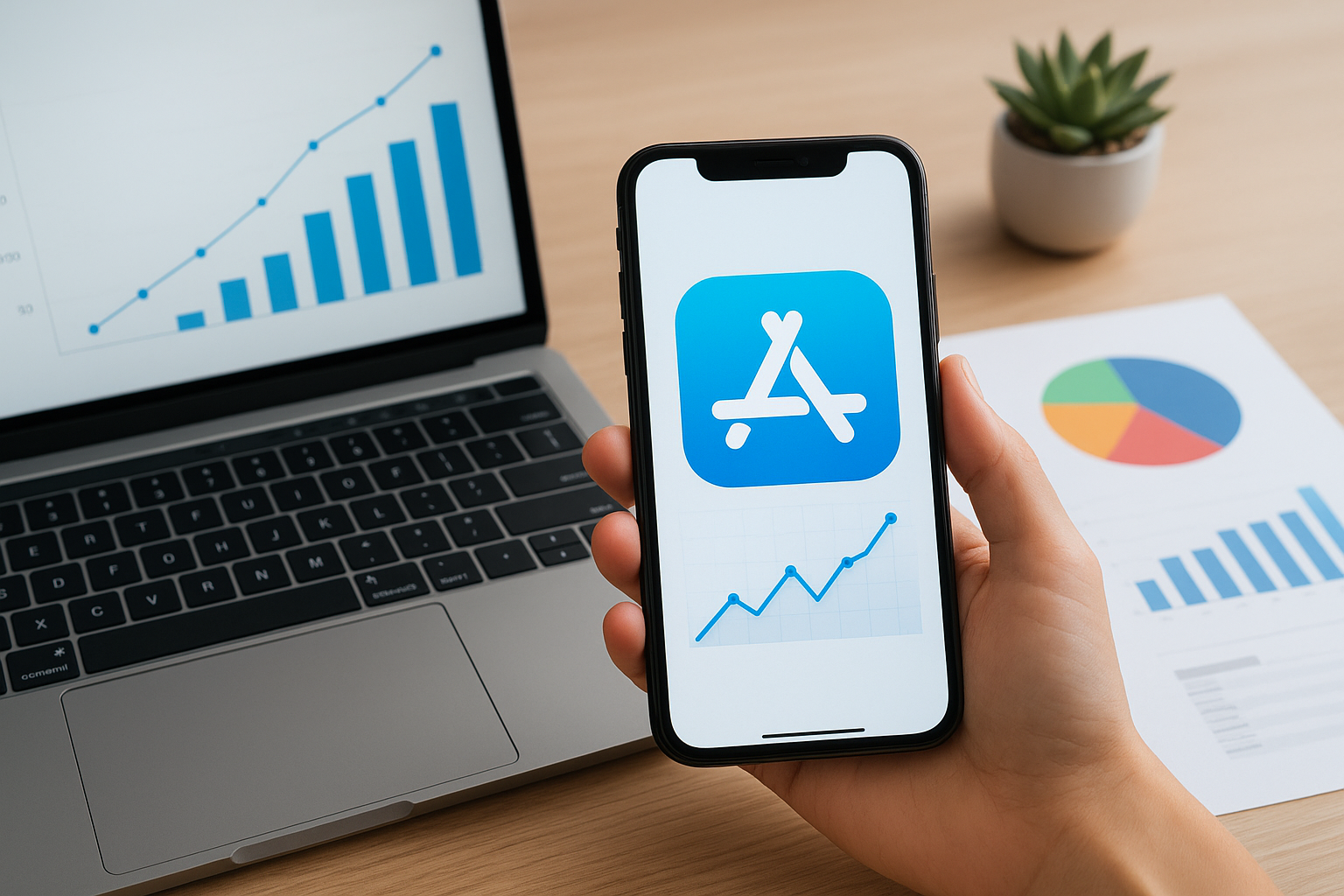
App store analytics can be daunting for iOS developers, especially indie founders juggling multiple roles. The vast amount of data from various sources often leads to confusion rather than clarity. This article presents a practical framework to simplify app analytics, helping developers focus on actionable insights, reduce complexity, and grow their apps effectively. We will also highlight how tools like AppSignals can streamline this process.
Problem definition
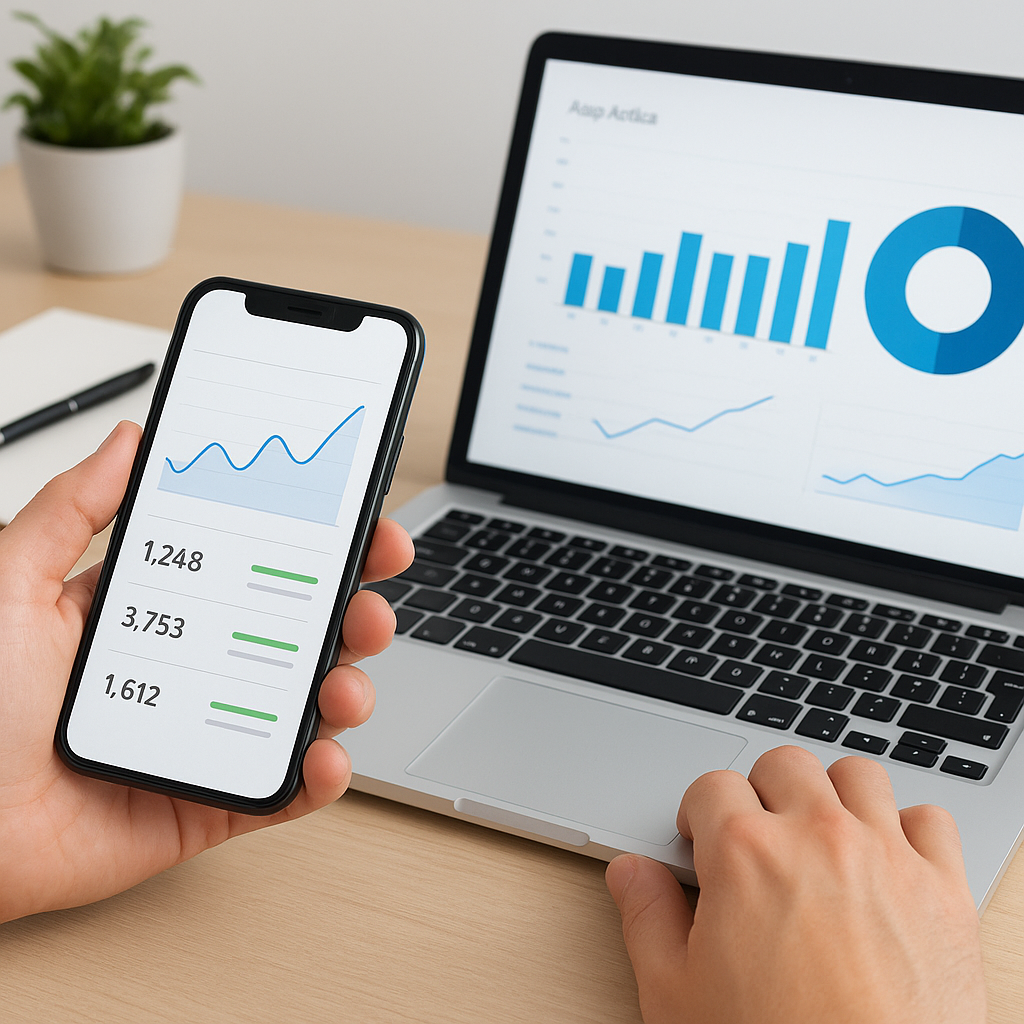
Many iOS developers struggle with app store analytics because they are overwhelmed by too many metrics scattered across different dashboards such as App Store Connect, Apple Search Ads, and third-party tools. This data overload makes it hard to answer fundamental questions like "Is my app growing?" or "Is my ad spend effective?" Without clear, consolidated insights, developers often rely on gut feelings rather than data-driven decisions, risking revenue loss and missed growth opportunities.
Named framework
The Simplified App Analytics Framework (SAAF) is designed to help iOS developers cut through the noise and focus on the signals that truly matter. SAAF emphasizes three core principles: 1) Consolidation: unify key metrics into a single, easy-to-understand dashboard. 2) Prioritization: identify and track only the most impactful data points relevant to your app’s growth. 3) Actionability: receive clear insights and reminders that prompt timely decisions and updates. This framework is embodied by platforms like AppSignals, which implement these principles to deliver clarity and reduce overwhelm.
Component breakdown
- Unified Dashboard: A single interface displaying installs, revenue, ad performance, and trends to avoid switching between multiple tools.
- Key Metrics Selection: Focus on metrics such as weekly installs, revenue growth, cost per install (CPI) relative to revenue, and update cadence.
- Automated Insights: Weekly summaries and alerts that highlight changes and recommend actions without requiring manual data digging.
- Reminders & Consistency Tools: Notifications to maintain regular app updates, which are crucial for visibility in app store algorithms.
Application examples
Connect your App Store account to a tool like AppSignals to consolidate data in under 2 minutes without coding.
Review the weekly summary email every Monday to understand last week's performance and spot trends early.
Use the dashboard to monitor your CPI against revenue to evaluate if your ad spend is profitable.
Set reminders to ship app updates regularly, ensuring your app stays relevant and maintains rankings.
Focus on top
performing markets and subscription plans by analyzing revenue per user and conversion rates.
Reduce the number of tracked metrics to those that directly inform growth decisions, avoiding distraction from less relevant data.
Misuse cases
Trying to track every available metric, leading to analysis paralysis and wasted time.
Ignoring update cadence reminders, resulting in decreased app visibility and rankings.
Relying solely on raw data from multiple dashboards without consolidation, causing missed insights.
Overemphasizing CPI without considering revenue impact, which can misguide ad spend decisions.
Failing to act on automated insights and alerts, losing the benefit of simplified analytics.
Using complex analytics tools that require significant setup and technical skills, which can deter indie developers from consistent use.
Conclusion
Simplifying app store analytics is essential for iOS developers, especially indie founders who need to make quick, informed decisions without getting bogged down by data overload. By adopting the Simplified App Analytics Framework and leveraging tools like AppSignals, developers can unify key metrics, prioritize actionable data, and receive automated insights that drive growth. This approach not only saves time but also empowers developers to focus on building great apps with confidence and clarity.